
Agilent GC Control Software for EZChrom Elite CDS and Agilent OL Operating System for the Laboratory is a software for controlling Agilent 7890, 6890, 6850, 5890 GCs and 3000 MicroGCs, supports a large number of data processing and data analysis functions.
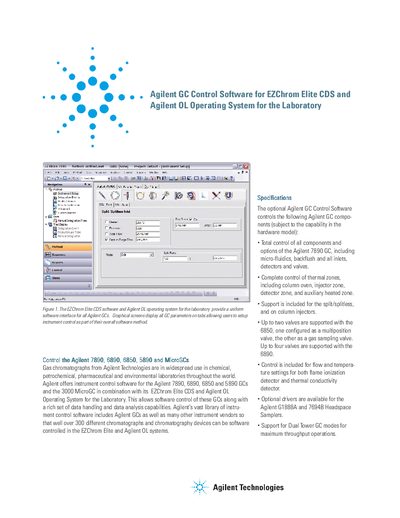
The document introduces the Agilent GC Control Software designed to work with EZChrom Elite CDS and Agilent OL Operating System. It provides a uniform software interface for controlling multiple Agilent Gas Chromatograph (GC) models, including the 7890, 6890, 6850, 5890, and MicroGCs. The software allows users to control instrument parameters such as thermal zones, inlet pressure, valves, and detectors directly from a graphical screen.
| Supported GC Models | Agilent 7890, 6890, 6850, 5890 and MicroGCs |
|---|---|
| Supported Headspace Samplers | Agilent 7694B and G1888A |
| Valve Support (6850) | Up to two valves |
| Valve Support (6890) | Up to four valves |
The software controls the Agilent 7890, 6890, 6850 and 5890 GCs as well as the 3000 MicroGC.
Yes, the library includes control for over 300 different chromatographs and chromatography devices from various instrument vendors.