
Advanced File Security (AFS) is a new Enterprise security model introduced in EZChrom Elite 3.1 to further protect files from unauthorized access. AFS replaces the security system used in previous versions of Elite with a model that is more tightly integrated with Windows Domain security. AFS is compatible with both Client/Server and Standalone workstation installations of EZChrom Elite. AFS is activated by running the Enterprise Setup utility included on the Elite Installation CD. This utility modifies the Windows Active Directory permissions on the entire Elite Enterprise so that only members of a special domain users group have access to the files. Your Network Administrator must create a domain users group and a domain user account to be used by AFS for this purpose. This special user account will be used internally by Elite to access files in the protected Enterprise.
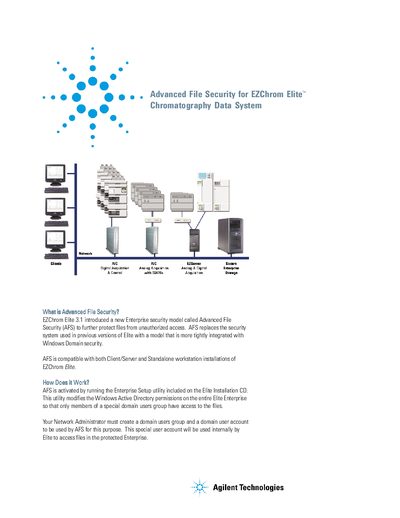
Agilent EZChrom Elite 3.1 introduced a new Enterprise security model called Advanced File Security (AFS) to protect files from unauthorized access. AFS replaces the security system used in previous versions with a model tightly integrated with Windows Domain security. It is compatible with both Client/Server and Standalone workstation installations.
AFS is activated by running the Enterprise Setup utility included on the Elite Installation CD, which modifies Windows Active Directory permissions. Network Administrators must create a domain users group and a domain user account for this purpose. Once activated, the system secures the Enterprise path, preventing external programs from accessing original files during analysis.
| Software Version | EZChrom Elite 3.1.0 or higher |
|---|---|
| Browser Requirement | Internet Explorer 5.5 or greater |
AFS is activated by running the Enterprise Setup utility included on the Elite Installation CD.
No, the old security model has been discontinued and replaced by AFS.
No, once AFS has been activated for an Enterprise, it cannot be disabled.