
This document provides instructions on how to install and use the telephone, as well as set up the answering system.
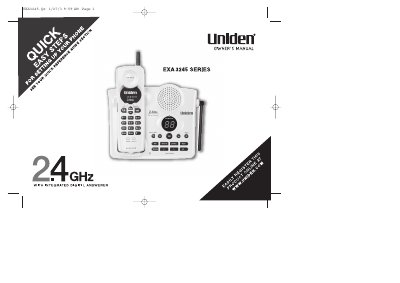
The Uniden EXA3245 is a cordless telephone system featuring an integrated digital answering device (ITAD). The document covers initial setup steps such as installing batteries, connecting to power and the phone line, and choosing between tone or pulse dialing modes. It also details how to mount the base unit on a wall.
| Talk Time | 7 Hour |
|---|---|
| Standby Time | 14 Day |
RocketDial allows you to store a sequence of numbers to make calls quickly by pressing one key.
The phone provides up to 7 hours of talk time and 14 days of standby time.
You must plug the AC adapter cord into a 120V AC outlet to power the unit.