
This document is a user guide for Uniden phones. It provides instructions on basic phone functions such as making and receiving calls, adjusting volume, and storing phone numbers. It also explains the Caller ID feature and the use of the integrated answering machine. The document also includes additional information and troubleshooting.
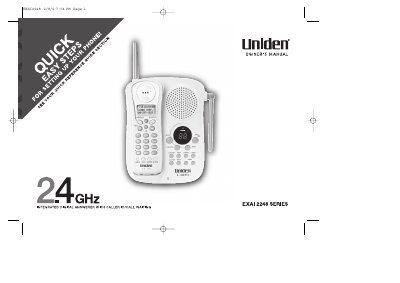
The Uniden EXAI 2248 series is an integrated digital answerer with caller ID and call waiting capabilities. Key features include a 16-digit backlit display, 10-number memory dialing, Rocket Dial functionality, and a 30-number caller ID memory. The device supports both English and French language options and includes AutoTalk and AutoStandby features for convenient call handling.
| Display | 16 Digit, 3-line Backlit Display |
|---|---|
| Memory Dialing | 10 Number Memory Dialing |
| Redial | 32 Digit Redial |
| Talk Time | 7 Hour Talk Time |
| Standby Time | 14 Day Standby Time |
| Autoscan Channels | 20 Channel Autoscan |
The device supports English or French display options.
Press the 'ans on/off' key to turn the answering system on.
The handset battery pack takes 15-20 hours to fully charge.