
This document is about uniden wireless phones DXI4560 and DXI4561 series, which have 2.4 GHz extended range technology, dual handset system, call transfer, caller ID/caller ID on call waiting, 3-way conferencing and other functions.
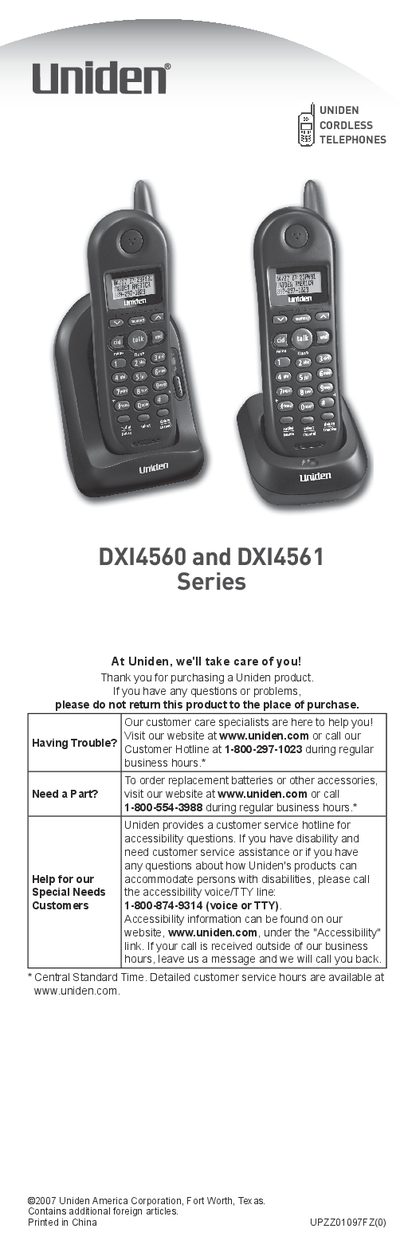
Thank you for purchasing a Uniden cordless telephone. This guide covers the features of the DXI4560 and DXI4561 Series, including dual-handset capability, Caller ID memory, and trilingual menu displays.
The document details how to install the battery, connect the base unit, and register handsets. It also explains how to configure settings such as language selection (English, French, or Spanish), dial mode (tone or pulse), and Caller ID on Call Waiting.
You must use only the Uniden BT-1006 rechargeable battery pack supplied with your phone.
You need to charge both handsets for at least 15 to 20 hours before plugging in the phone cord.
You must wait for at least five seconds before picking up the handset and pressing [talk/flash] to check if it is registered.