
This document is the user manual of Uniden CORDLESS TELEPHONES DXAI8580 Series C U T REMOTE OPERATION CARD.
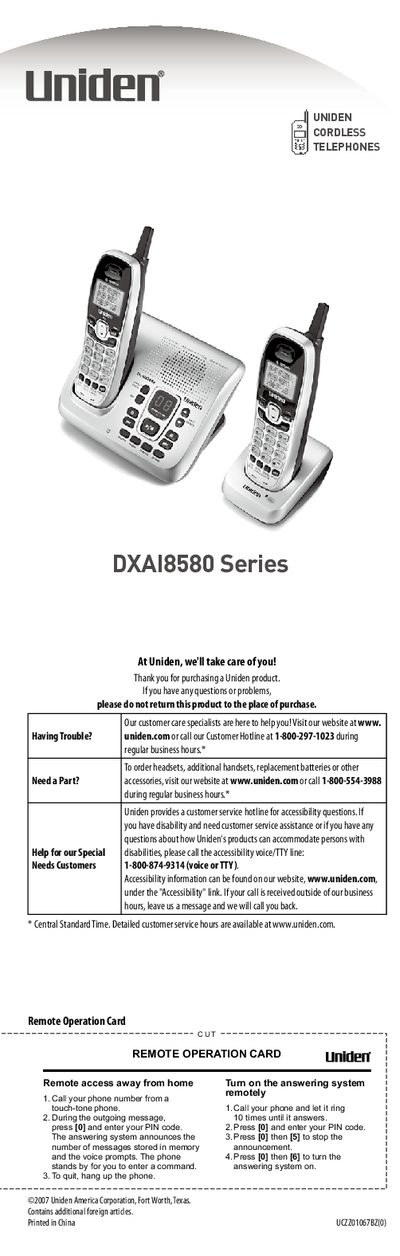
This manual covers the setup and configuration of the Uniden DXAI8580 Series cordless telephone system. It includes instructions for installing the base and handsets, connecting telephone lines, and registering additional handsets. The guide also explains how to use the answering system, manage caller ID, and access various phone features such as speed dial and call transfer.
| Recording Time | Up to 13 minutes |
|---|---|
| Caller ID Memory | 30 numbers |
| Speed Dial Memory | 10 numbers |
Allow 15 to 20 hours for the first charge of a new battery.
Check the AC adapter connection and ensure the outlet is not controlled by a wall switch.