
This document describes the installation and charging steps of a telephone, as well as how to set caller ID, language, and dialing options.
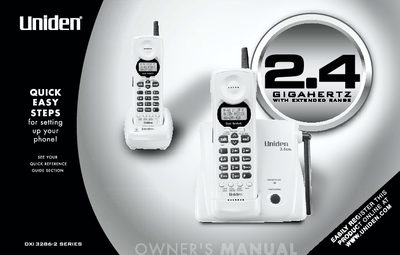
This manual provides instructions for setting up and using the Uniden DXI3286-2 Series cordless telephone. It covers initial setup steps, including installing batteries and connecting the AC adapter, as well as registering the dual handsets to the base unit. The guide also details how to configure various settings such as Caller ID options, dialing modes (tone or pulse), and language preferences.
| Frequency | 2.4GHz |
|---|---|
| Handsets | Dual |
| Dialing Modes | Tone/Pulse |
| Display | 3 Line Backlit |
| Memory | 20 Number Memory |
| Redial | 32 Digit |
| Channels | 20 Channel Autoscan |
| Languages | English/French/Spanish |
The handset battery pack is fully charged after 15-20 hours of charging.
Yes, the language option can be set to English, French, or Spanish.