
This Quick Reference Guide explains how to install, charge and connect your Uniden cordless phone.
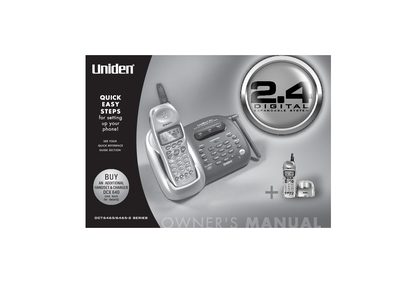
This manual provides instructions for setting up and operating the Uniden DCT6465 cordless telephone system. It covers initial setup steps such as charging the battery, connecting the phone line, and mounting the base unit. The system supports up to four handsets and features a 2.4GHz digital spread spectrum design.
| Frequency | 2.4GHz |
|---|---|
| Max Handsets | 4 |
| Memory Locations | 100 |
| Languages | English, French, and Spanish |
| Distinctive Ring Options | 20 |
| Channels | 88 |
Charge the handset battery pack for at least 15-20 hours before using your new cordless telephone for the first time.
Yes, the unit can support up to 4 handsets, and you can add extra handsets to establish a 4-way conference call.
The handset display menus are available in English, French, and Spanish.