
This document is an instruction manual for a certain phone, including how to install the battery, connect the power, connect the phone line, adjust the handset volume and ringtone, make a call and answer a call.
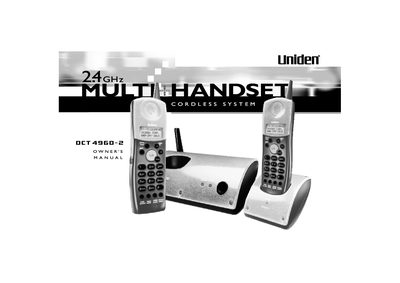
This manual provides instructions for the Uniden DCT4960-2 Multi-Handset System telephone. It details how to install the handset battery, connect the phone line, and adjust ringer volume. The device supports up to four handsets and features AutoTalk and AutoStandby capabilities.
| Display | 3 Line Backlit Display |
|---|---|
| Handset Support | up to 4 handsets |
| Security Codes | 16,777,215 |
| Memory Locations | 20 Enhanced Memory Locations |
| Caller ID Memory | 50 Number Caller ID Memory |
The unit can support up to 4 handsets when connected to AC power and a telephone line.
When connected to AC power and a telephone line, the base unit can support up to 4 handsets.