
This manual introduces the basic use of the Uniden DCT5260 phone, including how to set up the phone, make and receive calls, use the phone book and view caller ID.
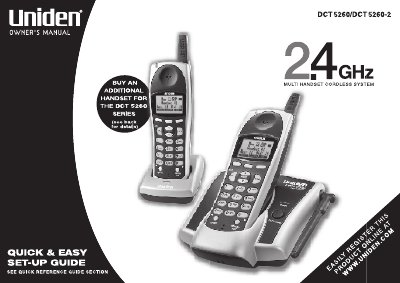
The Uniden DCT5260 is a multi-handset cordless telephone system that supports up to eight handsets. Key features include AutoTalk and AutoStandby functions, Random Code digital security, Frequency Hopping Spread Spectrum (FHSS) technology for improved range and clarity, and DirectLink mode for using handsets as transceivers. The system offers trilingual menu options in English, French, and Spanish.
The unit can support up to 8 handsets when connected to AC power and a telephone line.
The system features trilingual function menus in English, French, and Spanish.