
KeyStudio 49-Note USB keyboard controller user guide introduces the features, system requirements, connection methods, usage methods, and troubleshooting of the product.
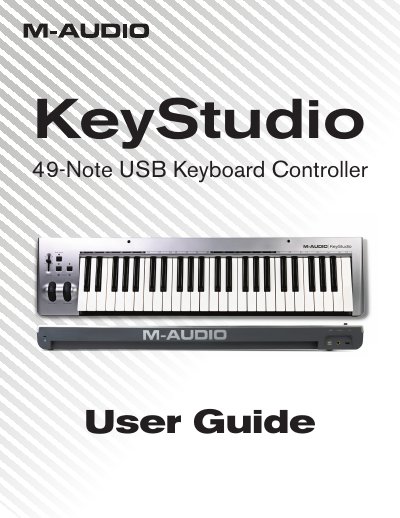
The M-Audio KeyStudio 49-Note USB Keyboard Controller is a velocity-sensitive keyboard designed for easy integration with Mac OS X and Windows computers. It features a 49-key layout, pitch bend wheel, modulation wheel, volume slider, and octave buttons, all of which are MIDI re-assignable. The device is bus-powered through USB and requires no driver installation.
| Keyboard Type | 49-key full-size, velocity sensitive |
|---|---|
| Power Source | Bus-powered through USB |
| Driver Requirement | No driver installation needed |
| Octave Shift Range | Up to four octaves up, three octaves down |
No, no additional drivers need to be installed to use the KeyStudio USB keyboard.
OS X 10.3.9 requires 256 MB RAM, and OS X 10.4.3 or greater requires 512 MB RAM.
Yes, the Octave buttons can be assigned to control functions like Program Change, Bank MSB, Transpose, Bank LSB, or MIDI Channel Change.