
This is a user manual for a wireless USB MIDI system. It introduces the product features, installation methods, hardware connections, and troubleshooting information.
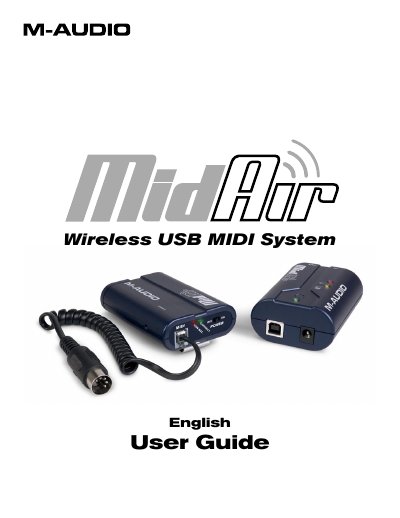
The M-Audio MidAir is a one-way 2.4GHz wireless MIDI transmission system designed to convert regular MIDI keyboards into wireless controllers. The compact transmitter plugs directly into any keyboard's MIDI output, while the receiver connects via USB to a computer or standalone device, eliminating cable clutter and allowing flexible placement in studios or on stage.
| Wireless Range | up to 10 meters (30 feet) |
|---|---|
| Frequency Band | 2.4GHz |
| Power Supply (Transmitter) | Battery or AC-powered |
| Power Supply (Receiver) | AC or USB bus-powered |
| Connectivity | MIDI and USB 1.1 |
No, the receiver is class-compliant and no drivers are required for basic operation.
The system issues a full MIDI reset, including an all-notes-off 'panic' message, to prevent stuck notes.
Yes, it can operate in standalone mode by connecting an optional 9V DC power supply.