
Agilent's online store makes it easy to browse, purchase, and manage yourAgilent products. You can view product availability, configure products, view prices, track orders, and more.
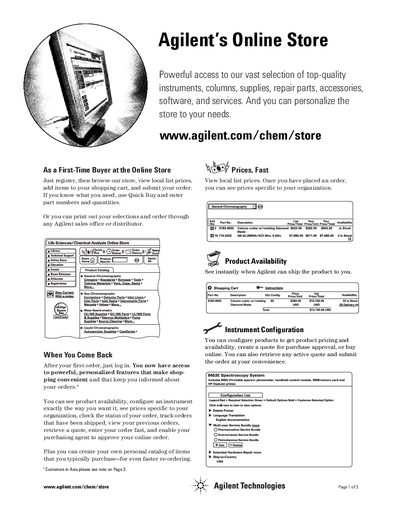
This document provides a guide for first-time buyers to register and use the Agilent Online Store. It explains how to browse categories, search by part number, add items to a shopping cart, and submit orders directly or print them for approval through sales offices.
The guide also details features available after registration, such as tracking order status, viewing order history, creating personal catalogs for faster re-ordering, and configuring instruments. It includes step-by-step instructions for online ordering and notes specific limitations for customers in Asia at the time of publication.
Customers in Asia must print the order from the Online Store and fax it to their local Agilent sales office or authorized distributor.
Yes, you can configure products to get pricing and availability, create a quote for purchase approval, or buy online.