
This document explains how to use the camera function to take pictures, record videos, and send photos and videos. It also includes steps and advantages of connecting to a Wi-Fi network.
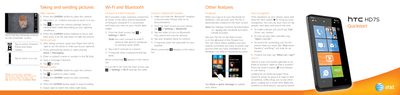
This document provides a quick start overview for the HTC HD7S smartphone. It details how to take photos and record videos using the built-in camera, including instructions on switching modes and adjusting settings like flash and zoom.
The guide also covers essential connectivity features such as connecting to Wi-Fi networks and pairing Bluetooth headsets. Additionally, it explains how to set up various email accounts (POP3/IMAP, Web-based, Corporate) and browse the web using Internet Explorer.
From the Start screen, tap Settings > email & accounts > add an account, or tap the Email tile on the Start screen.
Tap the Marketplace tile, search for the app you want to install, then tap install in the app details screen.