
This document is a quick start guide for the HTC PURE™ smartphone, introducing the basic functions and operations of the phone
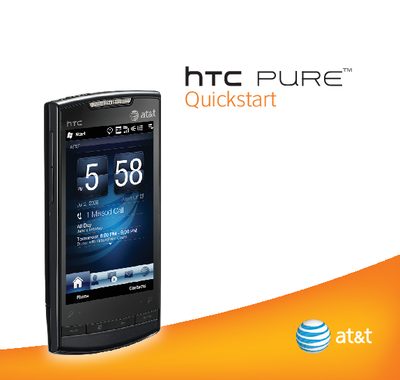
This document serves as a Quickstart guide for the HTC PURE smartphone, providing a brief overview of major features and services available with the device. It directs users to on-device tutorials or web resources for detailed setup and customization instructions. The guide covers essential initial steps such as inserting the SIM card, battery, and microSD card, as well as charging the device and turning it on.
On the Home screen, slide to the Programs tab and touch Getting Started.
You can access the interactive Web tutorial at att.com/tutorials.
The device will go to Sleep Mode after 30 seconds or more of inactivity to save battery power.