
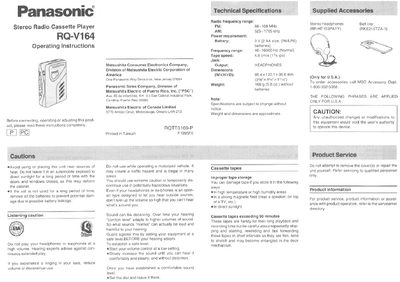
This document provides operating instructions for the Panasonic RQ-V164 Stereo Radio Cassette Player. It details how to install batteries, connect headphones, operate tape functions including auto reverse, and use the built-in FM/AM radio with tone controls and equalizers.
The manual also includes sections on proper cassette storage, cleaning the tape heads, troubleshooting common issues like no sound or playback problems, and information regarding the limited warranty for defects in materials or workmanship.
| FM Frequency Range | 88-108 MHz |
|---|---|
| AM Frequency Range | 525-1705 kHz |
| Power Requirement (Battery) | 2 AA size batteries |
| Frequency Response | 40-16000 Hz |
| Tape Speed | 4.8 cm/s (1% ips) |
| Dimensions (WxHxD) | 85.4 x 120.1 x 36.6 mm |
| Weight | 166 g (5.8 oz.) without batteries |
The unit requires 2 AA size (R6/LR6) batteries.
Press the STOP button to stop playback.
Check that the SELECTOR is set to 'TAPE' and ensure headphones are connected.
You should clean the head after approximately every 10 hours of use.