
This document provides an introduction to using Studio Manager Windows 1 and its keyboard shortcuts, along with special notices and trademark information.
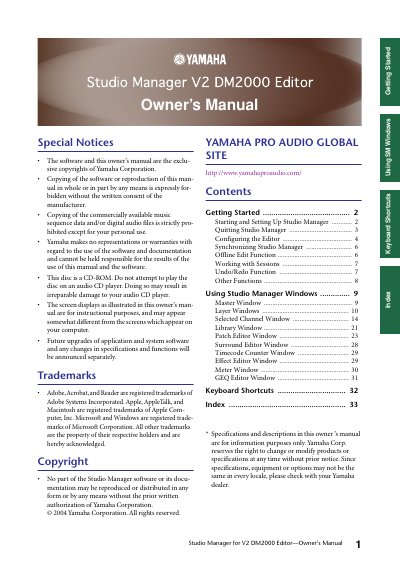
This document is the Owner's Manual for Yamaha Studio Manager V2, a software application designed for the DM2000 Editor. It covers the exclusive copyright of Yamaha Corporation and provides instructions for using the software on Windows and Macintosh systems.
The manual details the process of starting and setting up the software, including selecting devices and configuring MIDI ports. It explains how to configure system and console settings, such as input/output ports, device IDs, and layer selection. Additionally, it describes the synchronization process between the software and the hardware console to ensure parameter settings match.
Doing so may result in irreparable damage to your audio CD player.
Studio Manager can control up to eight Yamaha mixing consoles.
You can select STEREO, 3-1, 5.1, and 6.1 surround modes.