
YAMAHA STUDIO MANAGER V2 O2R96 Editor OWNER'S MANUAL

This document is a beginner's guide to Studio Manager Windows 1, which introduces the use of SM Windows keyboard shortcuts and indexes. In addition, the document includes special notices and trademark information.
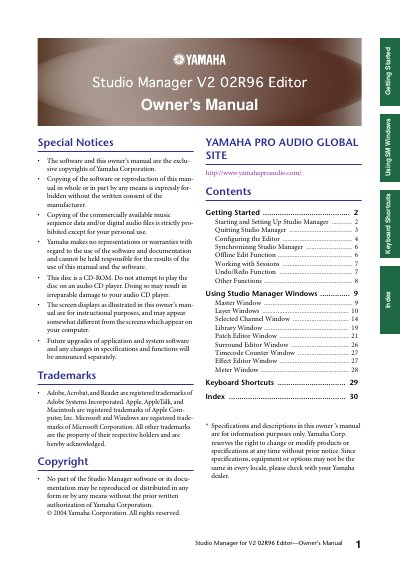

YAMAHA STUDIO MANAGER V2 O2R96 Editor OWNER'S MANUAL - cover page
Brand
Yamaha
Category
Other Electronics
Document type
User Manual
Language
English
Pages
31
File format
PDF
File size
1.2 MB
Published
12 June, 2012
Updated
29 September, 2023
MD5 checksum
6C96E27010AA0E37DB39F38D8CD94D90

About this manual

This Owner's Manual covers the setup and operation of the Yamaha Studio Manager V2 02R96 Editor software. It details the initial steps required to start the application and configure the connection between the computer and the Yamaha mixing console, including selecting the correct device and MIDI ports. The guide explains how to set up system parameters such as input/output ports, device IDs, and channel linking options to ensure proper communication.

What's inside

  • Getting Started
  • Starting and Setting Up Studio Manager
  • Quitting Studio Manager
  • Configuring the Editor
  • Console Setup
  • Synchronizing Studio Manager
  • Offline Edit Function
  • Using Studio Manager Windows
  • Keyboard Shortcuts

Frequently asked questions

What happens if I play the included CD-ROM on an audio CD player?

Doing so may result in irreparable damage to your audio CD player.

How many Yamaha mixing consoles can Studio Manager control?

Studio Manager can control up to eight Yamaha mixing consoles.

What are the available Surround modes in the Console Setup?

You can select a Surround mode from STEREO, 3-1, 5.1, and 6.1.

Download PDF (1.2 MB)

More Yamaha Manuals


View all Yamaha manuals →