
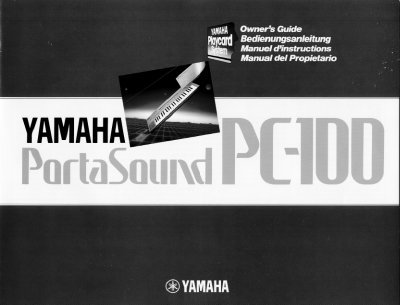
The Yamaha PortaSound PC-100 is a portable keyboard that allows users to learn melodies quickly using the Playcard System and play professional-like accompaniment with the Auto Bass Chord system. It features a 44-note keyboard with multiple instrument voices and rhythm accompaniments.
| Keyboard | 44-note portable keyboard |
|---|---|
| Power System | Internal batteries or optional power adaptors |
| Batteries | six 1.5V SUM-2, "GC" size, R-14, or equivalent |
| Included Playcards | 12 Playcards and one head cleaning card |
| Household Power Adaptor | Power Adaptor PA-1 |
| Car Battery Adaptor | Car Battery Adaptor CA-1 |
When the internal batteries are weak and need replacing, the Power-on light flashes on and off.
No more than 5 cards should be put in each pocket to prevent damage to the Playcards or keyboard.
The optional adaptors are the Power Adaptor PA-1 for household current and the Car Battery Adaptor CA-1.