
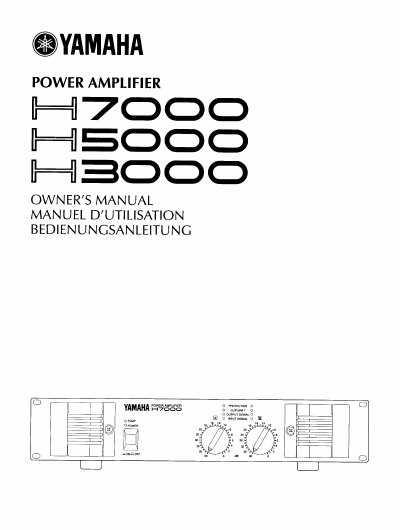
This manual covers the Yamaha H7000, H5000, and H3000 power amplifiers, which differ only in output power but share the same feature set. The H-Series offers high power and reliability in a compact chassis, supporting Stereo, Bridge, and Parallel modes. Protection systems include soft-start, heat sink overheat detection, and power limiting for low impedances, indicated by front panel LEDs.
| Input Connectors | XLR type and phone jacks |
|---|---|
| Output Connections | heavy-duty binding posts |
| Cooling System | twin fan cooling system |
| Heat Sink Overheat Limit | 85°C (185°F) |
| Clip/Limit Threshold | 0.5% |
| Output Signal Threshold | 2 Vrms |
| Input Signal Threshold | -40 dBm |
The amplifiers can be used in one of three modes: Stereo, Bridge, or Parallel.
Turn the power OFF, set the rear panel MODE switch to BRIDGE, connect the channel A input to the source, and connect the positive speaker lead to channel A and the negative lead to channel B.
It separates the input connector's pin 1 ground from the chassis ground to eliminate hum loops.
The rear of the rack should be kept fully open, or a ventilated blank panel must be provided for every four amplifiers at the uppermost installation space.