
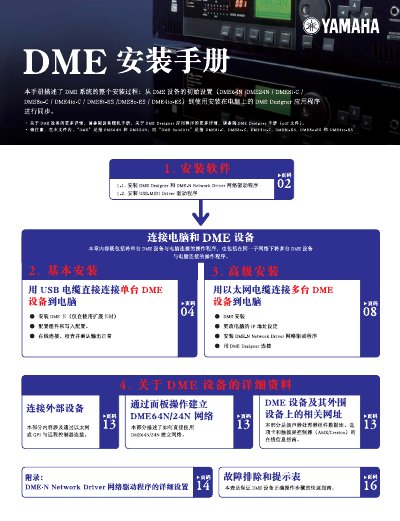
This document provides instructions for installing the DME Designer application and necessary network drivers to connect Yamaha DME devices (such as DME64N, DME24N, and satellite units) to a computer. It covers both USB and Ethernet connection methods.
The guide details how to configure components within the software interface, including setting up input/output ports, faders, and external devices for sound processing configurations. This manual is written in Chinese.
You must download and install the DME Designer Combo Installer and the USB-MIDI Driver to connect the devices.
The device must be connected directly to the computer's built-in USB port and not to a USB hub.
You must restart the computer after the old version is updated or replaced with the new version.