
This manual is a setup guide for the DME system, describing the process of setting up the DME processor and synchronizing it with the DME Designer application on a computer. The document provides details about different models and features of the DME products.
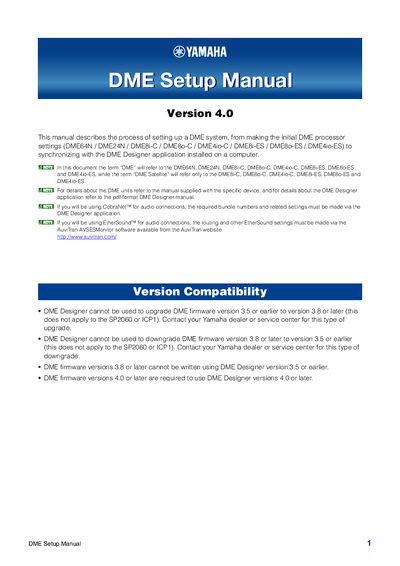
This manual covers the setup of Yamaha DME systems, including models such as the DME64N, DME24N, DME8i-C, DME80-C, DME4io-C, DMESI-ES, DME80-ES, and DME4io-ES. It details the process of making initial DME processor settings and synchronizing with the DME Designer application installed on a computer. The document also addresses specific configurations for CobraNet and EtherSound audio connections.
| Operating System Support | Windows 7, Windows Vista, Windows XP |
|---|---|
| Minimum Hard Disk Space | 300MB or more |
| Minimum Display Resolution | 1280 x 1024 pixels |
| Minimum Memory (Windows XP) | 256MB or more |
| Minimum Memory (Windows 7 64-bit) | 2GB or more |
No, DME Designer cannot be used to upgrade DME firmware version 3.5 or earlier to version 3.8 or later.
The required bundle numbers and related settings must be made via the DME Designer application.
EtherSound routing and other settings must be made via the AuviTran AVSESMonitor software.