
This document is CL StageMix V3.0 User Guide, which mainly introduces the functions and usage of CL StageMix V3.0.
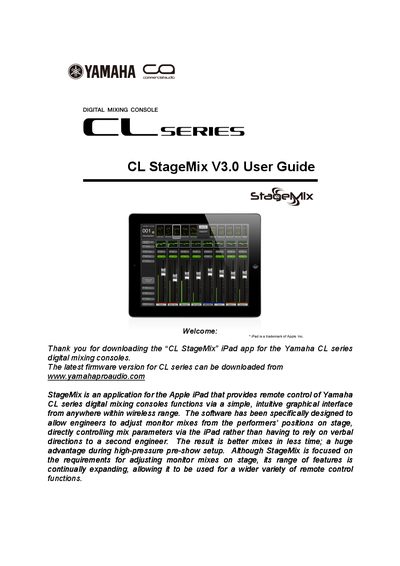
The document is a user guide for the CL StageMix V3.0 application, designed for Apple iPads (1st generation through 3rd generation). The software allows audio engineers to remotely adjust monitor mixes and other console functions from anywhere within wireless range of the Yamaha CL series digital mixing console.
The manual covers system requirements, Wi-Fi configuration steps for both the access point and the iPad, and detailed instructions on connecting the app to the console. It provides comprehensive guidance on operating various features including channel navigation, faders, EQ (both parametric and graphic), sends, DCA groups, scene memory management, and utility settings.
| Compatible iPad Models | 1st generation iPad, iPad 2, or 3rd generation iPad |
|---|---|
| Required Console | Yamaha CL series digital mixing console |
| Network Protocol | Wi-Fi (802.11n, 5GHz preferred) |
Configure your iPad with a static IP address in the same range as the console's IP address, then enter the console's IP and MAC address in the app.
The app requires an Apple iPad, specifically the 1st generation iPad, iPad 2, or 3rd generation iPad.
StageMix will automatically attempt to reconnect, and operation becomes available again once it re-synchronizes with the console data.