
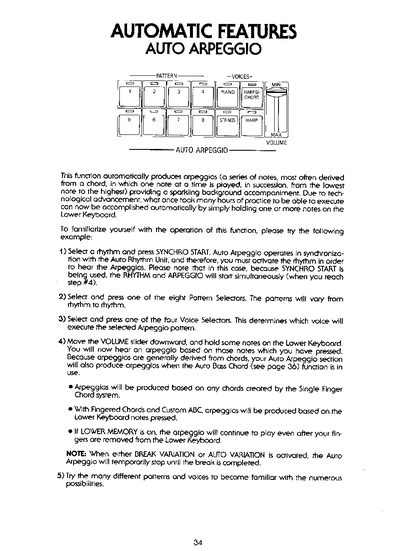
The document provides instructions for using the Auto Arpeggio function, which automatically produces arpeggios from notes held on the Lower Keyboard. It details how to select patterns and voices while synchronizing with the Auto Rhythm Unit.
Additionally, the text covers the Rhythmic Chord section, which creates instrumental accompaniment that accentuates rhythmic patterns. It also describes the Auto Bass Chord (ABC) features, including Single Finger Chord, Fingered Chord, and Custom ABC modes for generating bass and chord accompaniments.
The function includes three different instruments per group (Voice 1 and Voice 2), with options like Guitar, Phaser, and Trumpet.
Press only one note on the Lower Keyboard; the keyboard will produce a major chord based on that root key.
Yes, if LOWER MEMORY is turned on, the arpeggio will continue to play even after your fingers are removed.