
Yamaha HS-5 Electone Adding Rhythm User Manual


Yamaha HS-5 Electone Adding Rhythm User Manual - cover page
Brand
Yamaha
Category
Electronic Original
Document type
User Manual
Language
English
Pages
14
File format
PDF
File size
5 MB
Published
11 June, 2012
Updated
11 June, 2012
Model
HS-5
MD5 checksum
A427B925395B3E0552EB7CE6FED602CE

About this manual

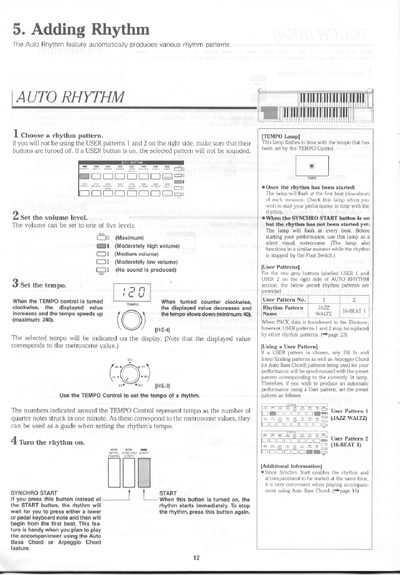
This document provides instructions for the 'Adding Rhythm' section of the Yamaha HS-5 Electone. It details how to select rhythm patterns, adjust volume and tempo, and utilize the Synchro Start function to synchronize the rhythm with keyboard performance. The guide also covers the use of User Patterns and Fill In/Intro/Ending features.

What's inside

  • Auto Rhythm
  • User Patterns
  • Fill In
  • Intro/Ending
  • Foot Switch
  • Keyboard Percussion
  • Automatic Accompaniment
  • Memory Function

Specifications

Volume LevelsFive levels
Percussion Types34 different types

Frequently asked questions

What is the function of the SYNCHRO START button?

It waits for you to press a lower or pedal keyboard note before the rhythm begins from the first beat.

Can rhythms be user-programmable?

No, rhythms are not user-programmable.

How does the Foot Switch control the rhythm?

It can stop/start the rhythm, trigger Fill In, trigger User Fill In, or switch to the Ending pattern.

Download PDF (5 MB)

More Yamaha Manuals


View all Yamaha manuals →