
This document describes the use of the Local Control Panel (LCP) for the 5973N and 5973 inert Mass Selective Detectors (MSD), including the two modes of operation: Status mode and Menu mode.
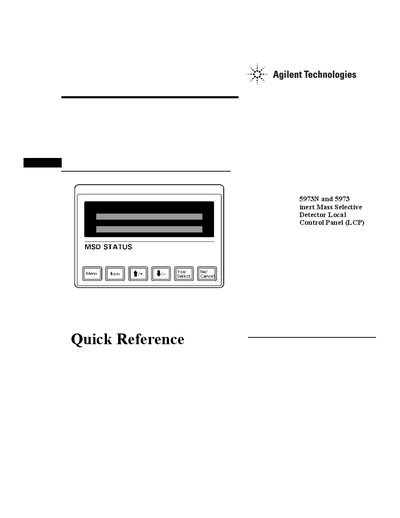
This document provides instructions for using the Local Control Panel (LCP) on Agilent 5973N and 5973 inert Mass Selective Detectors. The LCP allows users to determine instrument readiness, access ChemStation software functions like tuning and starting runs, and manage system status without needing a direct connection to the main computer.
The guide details two modes of operation: Status mode for viewing current information and Menu mode for initiating actions such as running methods or sequences. It covers specific procedures for querying messages, performing autotunes, starting runs and sequences, preparing to vent the instrument, pumping down the system, rebooting the controller, and checking network status.
The LCP has two modes: Status mode, which displays current status without interaction, and Menu mode, which allows querying aspects of the instrument or initiating actions.
No, MS parameters cannot be set from the LCP if an online session is currently running on the ChemStation.
The autotune will not be performed if an online instrument session is not currently running on the ChemStation.