
Agilent G6854 MassHunter Personal Pesticide Database Quick Start Guide

MassHunter Personal Pesticide Database is an accurate mass compound database launched by Agilent Technologies for searching pesticide compounds.
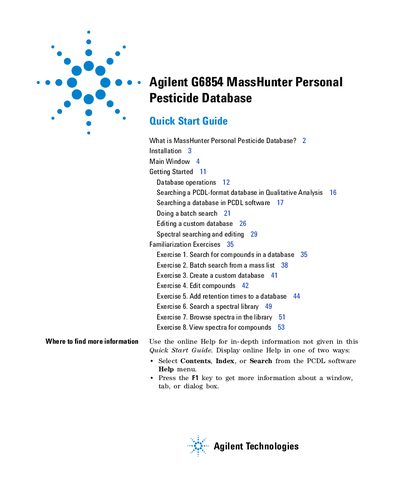

Agilent G6854 MassHunter Personal Pesticide Database Quick Start Guide - cover page
Brand
Agilent
Document type
User Manual
Language
English
Pages
56
File format
PDF
File size
1.9 MB
Published
07 June, 2012
Updated
30 September, 2023
Model
G6854
MD5 checksum
DDC22B5D584992A3B92E75CF531BD7C4

About this manual

The document is a quick start guide for the Agilent G6854 MassHunter Personal Pesticide Database. It details the installation process for both the pesticide compound database (Pesticides.cdb) and the MassHunter Personal Compound Database and Library (PCDL) software. The guide also explains how to remove the software using the Windows Control Panel.

What's inside

  • What is MassHunter Personal Pesticide Database
  • Installation
  • Main Window
  • Menus
  • Links menu
  • Compound Tabs
  • Database operations
  • Searching a database in PCDL software
  • Doing a batch search
  • Editing a custom database

Frequently asked questions

How do I remove the MassHunter Personal Compound Database and Library software?

Use the Add/Remove window of the Control Panel to remove the software and master databases.

What is the difference between a database and a library in MassHunter?

A database contains compound information searchable by accurate mass, while a library also contains MS/MS spectra.

Download PDF (1.9 MB)

More Agilent Manuals


View all Agilent manuals →