
Agilent G3510A/G3511A Multimode Inlet Installation Instructions

Agilent G3510A/G3511A Multimode Inlet Installation Instructions
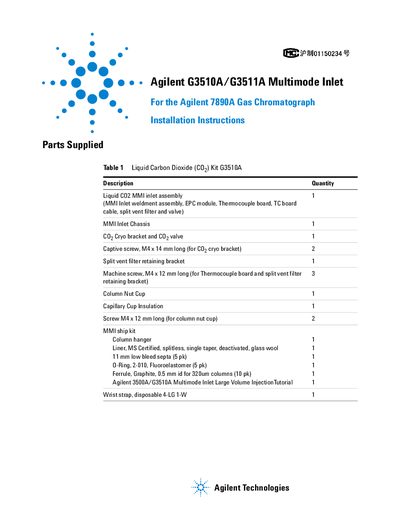

Agilent G3510A/G3511A Multimode Inlet Installation Instructions - cover page
Brand
Agilent
Document type
Installation Guide
Language
English
Pages
22
File format
PDF
File size
6.2 MB
Published
07 June, 2012
Updated
30 September, 2023
Models
7890A, 11A
MD5 checksum
2545C2E2FA638A7F30A1E96101ABDD0B

About this manual

This document provides detailed installation instructions for the Agilent G3510A and G3511A multimode inlets designed for the Agilent 7890A gas chromatograph. It includes parts lists for both liquid CO2 and liquid nitrogen kits, tools required, and step-by-step procedures for preparing the GC, removing old components, installing the new inlet chassis, and connecting gas lines. The guide also covers firmware requirements and safety precautions, including ESD protection and gas leak checks.

What's inside

  • Parts Supplied
  • Installation Procedure
  • Tools Required
  • Firmware Requirements
  • Preparing the GC
  • Installing the Inlet Chassis
  • Connecting Gas Lines
  • Calibration and Zeroing

Frequently asked questions

What firmware version is required for the MMI inlet?

The MMI requires 7890A GC firmware A.01.10 or higher.

What tools are required for installation?

T-10 and T-20 Torx drivers, open-end wrench, and diagonal sheet metal cutter.

How do I check the GC firmware version?

Press [Status][Clear] to view the GC firmware version.

Download PDF (6.2 MB)

More Agilent Manuals


View all Agilent manuals →