
Agilent Instant Pilot Quick Reference Guide

This file is a Quick Reference Guide for Agilent Instant Pilot, which introduces the functions of Agilent Instant Pilot, including Method and Sequence
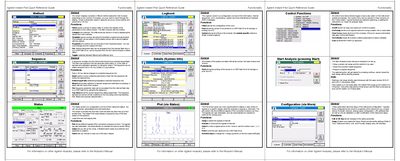

Agilent Instant Pilot Quick Reference Guide - cover page
Brand
Agilent
Document type
User Manual
Language
English
Pages
2
File format
PDF
File size
809 KB
Published
07 June, 2012
Updated
01 October, 2023
MD5 checksum
A2037A3F85C5FA10F57B6CD60F27EEEC

About this manual

This document serves as a quick reference guide for the Agilent Instant Pilot software. It describes the functionality of various screens within the system, including the General Logbook, Control Functions, System Info, and Status/Plot views. The text explains how to navigate these menus to perform actions such as detector balancing, error clearing, and method comparison.

What's inside

  • General Logbook
  • Control Functions
  • System : Get Ready
  • Autosampler : Needle Cleaning
  • Quaternary Pump Control
  • Sequence Management
  • Status Screen
  • Plot Screen

Frequently asked questions

How can you clear errors in the modules?

You can use the Clear Errors function, provided the error cause is eliminated.

How do you compare two methods?

Select the Compare option to show differences between two methods in a list.

Download PDF (809 KB)

More Agilent Manuals


View all Agilent manuals →