
This document is a user guide for the Bravo A/C Relay produced by Agilent Technologies. The Bravo A/C Relay allows you to control power to an accessory located on the Bravo Platform using VWorks software. Control through VWorks software is enabled by a serial connection between the controlling computer and the Bravo A/C Relay, which is connected to the power source and the accessory.
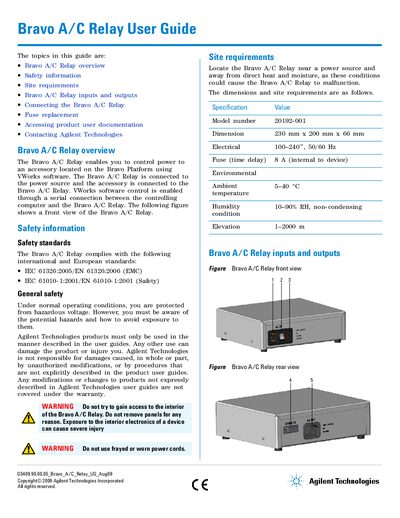
The Agilent Bravo A/C Relay enables users to control power to an accessory located on the Bravo Platform using VWorks software. Control is achieved through a serial connection between a controlling computer and the relay. The device connects to a power source and the accessory via specific ports for AC input/output and communication.
| Model number | 20192-001 |
|---|---|
| Dimensions | 230 mm x 200 mm x 66 mm |
| Electrical input | 100-240 V, 50/60 Hz |
| Fuse rating | 8 A (internal) |
| Ambient temperature | 5-40 °C |
The device requires an 8 A 250V TD FE UL-REC CSA, time delay fuse.
Turn off power and unplug the cable, then use a small flat-head screwdriver to dislodge the red fuse cartridge from the enclosure.
Locate the relay near a power source and away from direct heat and moisture.