
This document is the unpacking guide for Agilent Technologies G5404B Microplate Labeler. It includes the preparations before unpacking, unpacking steps and installation steps.
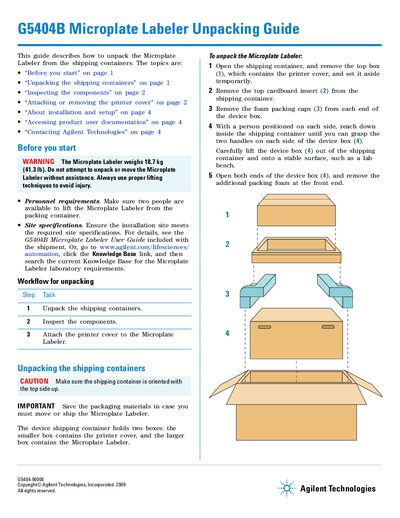
This document serves as an Unpacking Guide for the Agilent G5404B Microplate Labeler. It details the workflow for safely removing the device from its shipping containers, including specific steps for handling the heavy unit with assistance and extracting the main device box from the tray.
The guide also covers inspecting the included components against a checklist (such as media kits, cables, and power cords) and provides detailed procedures for attaching or removing the printer cover to protect the printhead. It directs users to the separate User Guide for installation and setup instructions.
| Weight | 18.7 kg (41.3 lb) |
|---|
Two people are available to lift the Microplate Labeler from the packing container.
The packaging materials must be saved in case you must move or ship the Microplate Labeler again.
See the G5404B Microplate Labeler User Guide included with the shipment.