
The AD5100 is a system management IC with programmable quad voltage monitoring and supervisory functions. It features two high voltage (30V) monitoring inputs and two low voltage (5V) monitoring inputs, with programmable thresholds, delays, and warning functions. Additionally, it includes supervisory functions such as watchdog reset with programmable timeout, failed processor watchdog enabled shutdown, selectable floating watchdog reset function, and manual reset. The IC also has a digital interface and programmability using an I2C compatible interface.
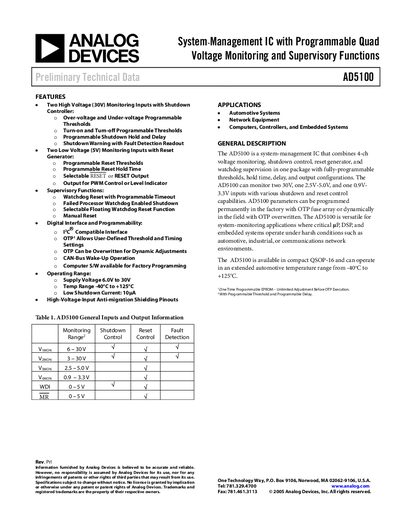
The AD5100 is a system-management integrated circuit that combines 4-channel voltage monitoring, shutdown control, reset generation, and watchdog supervision in a single package. It supports fully-programmable thresholds, hold times, delays, and output configurations via an I2C-compatible interface or One-Time Programmable (OTP) fuses.
| Supply Voltage Range | 6.0V to 30V |
|---|---|
| Operating Temperature Range | -40°C to +125°C |
| Low Shutdown Current | 10µA |
| Package Type | QSOP-16 |
| I2C Clock Frequency | 400 KHz |
The device is versatile for system-monitoring applications in automotive, industrial, or communications network environments.
Parameters can be programmed permanently in the factory with OTP fuse array or dynamically in the field by overwriting the OTP.