
Agilent 500 Ion Trap LC/MS with the Agilent 1200 Infinity Series Quick Start Guide

This user guide describes how to set up the Agilent 1200 Infinity Series to automatically inject samples for analysis on Agilent 500 Ion Trap LC/MS and MS Workstation software.
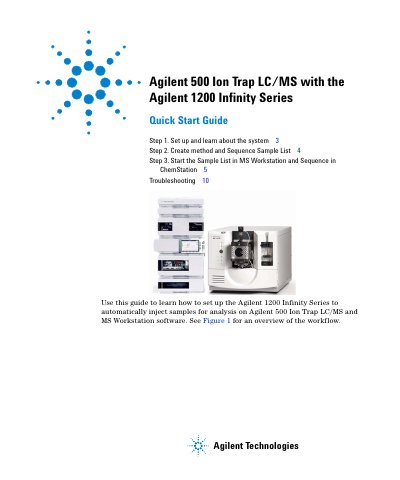

Agilent 500 Ion Trap LC/MS with the Agilent 1200 Infinity Series Quick Start Guide - cover page
Brand
Agilent
Document type
Quick Start Guide
Language
English
Pages
12
File format
PDF
File size
749 KB
Published
07 June, 2012
Updated
30 September, 2023
MD5 checksum
D66C22BB7FDFD7C03CC9BAC47B81D61F

About this manual

This document serves as a quick start guide for integrating the Agilent 1200 Infinity Series Liquid Chromatography system with the Agilent 500 Ion Trap LC/MS mass spectrometer. It outlines the workflow for setting up the systems to automatically inject samples using MS Workstation and ChemStation software.

What's inside

  • Set up and learn about the system
  • Create method and Sequence Sample List
  • Start the Sample List in MS Workstation
  • Sequence in ChemStation
  • Troubleshooting

Frequently asked questions

What software is used for automatic sample injection?

The system uses MS Workstation and ChemStation software to perform automated sample injection and analysis.

How do you ensure runtimes are synchronized?

You must make sure the LC program run time in ChemStation is equal to or longer than the MS program run time.

Download PDF (749 KB)

More Agilent Manuals


View all Agilent manuals →