
This manual describes how to use the HP Photosmart 945 digital camera. It covers the camera's parts, settings, shooting, playback, and storage.
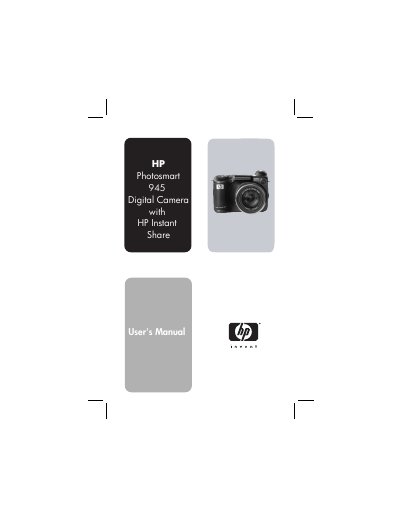
This manual guides you through getting started with the HP Photosmart 945, including installing batteries, memory cards, and using HP Instant Share. It covers basic functions such as taking still pictures, recording video clips, and adjusting settings like exposure, white balance, and zoom.
Later chapters explain how to unload images to a computer or printer, use the optional camera dock, configure USB and TV connections, and perform troubleshooting and maintenance tasks. Appendices provide detailed specifications, battery information, and accessories.
| Resolution (still pictures) | 5.26 MP (2668 × 1970) total pixel count |
|---|---|
| Sensor diagonal | 9.04 mm (1/1.8‑inch, 4:3 format) |
| Color depth | 36‑bit (12 bits per color) |
| Lens focal length | Wide 7.6 mm – Telephoto 61 mm (≈37‑300 mm 35 mm‑equiv.) |
| Maximum aperture (F‑Number) | Wide f/2.8‑f/11.3, Telephoto f/3.1‑f/12.4 |
HP Instant Share lets you choose images on the camera and send them to email addresses or online albums the next time you connect the camera to a computer.