
This is the user manual for the HP Photosmart 850 digital camera, which introduces the camera's use and precautions.
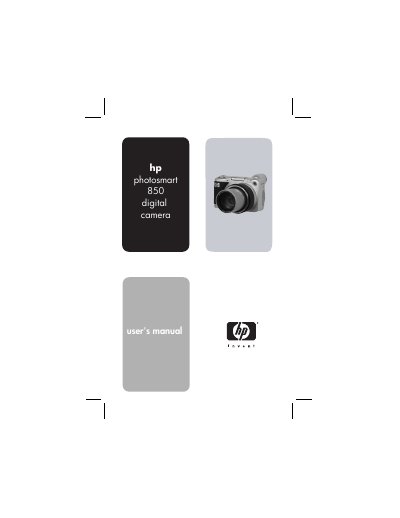
This manual guides you through getting started with the HP Photosmart 850 digital camera, covering parts identification, battery and memory‑card installation, basic setup, and menu navigation. It also explains how to use HP Instant Share, connect to a computer, and print images directly to HP printers.
Additional sections detail zoom usage, image and video playback, camera dock functions, power management, and troubleshooting tips. Appendices list battery options, dock accessories, and full technical specifications.
| Resolution | 4.13 MP (2384 × 1734 total pixels) |
|---|---|
| Sensor diagonal | 8.970 mm (1/1.8‑inch) |
| Color depth | 36‑bit (12 bits per color) |
| Optical / digital zoom | 8× optical, 7× digital |
| Power source | 4 AA batteries (included) or optional 6 V AC adapter |
Open the battery compartment, insert four AA batteries, and close the cover; the power/memory light will indicate status.
HP Instant Share lets you select images to print or e‑mail automatically the next time you connect the camera to a computer.
Use the USB‑to‑TV connector on the optional HP Camera Dock to display images on a television.