
This document is the user manual for the HP Photosmart 930 series digital camera, which introduces the camera's parts, setup methods, and instructions for use. Additionally, the document contains some trademark and copyright information.
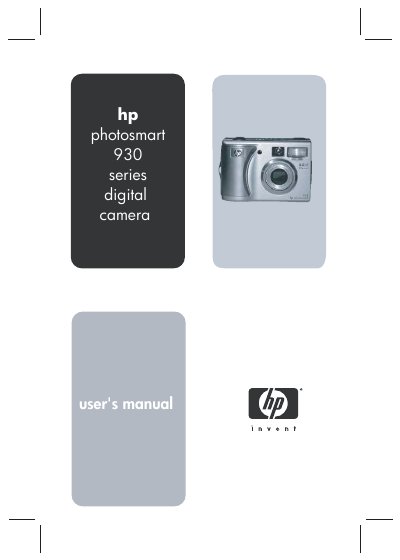
This manual guides HP Photosmart 930 owners through getting started, camera parts, battery and memory‑card installation, and basic operation. It also explains the HP Instant Share service for emailing or printing images directly from the camera.
Later chapters cover advanced features such as exposure settings, zoom, video recording, playback, USB/TV configuration, and detailed troubleshooting. Appendices list battery options, accessories, and full technical specifications.
| Resolution (still pictures) | 5.26 MP (2668 × 1970) |
|---|---|
| Sensor diagonal | 9.04 mm (1/1.8‑inch, 4:3 format) |
| Memory card slot | SD and MMC (Secure Digital and MultiMediaCard) |
| Lens focal length | Wide 7.6 mm / Telephoto 22.8 mm |
| Viewfinder optical zoom | 3× optical |
| Power source | 2 AA batteries (non‑rechargeable) or optional AC adapter |
Video clips are recorded at 15 frames per second, with a maximum length of two minutes.
The camera supports Secure Digital (SD) cards and MultiMediaCard (MMC) cards.