
This document is a user's manual for the HP Photosmart 812 digital camera. It includes information about the camera's parts, setup, and materials disposal.
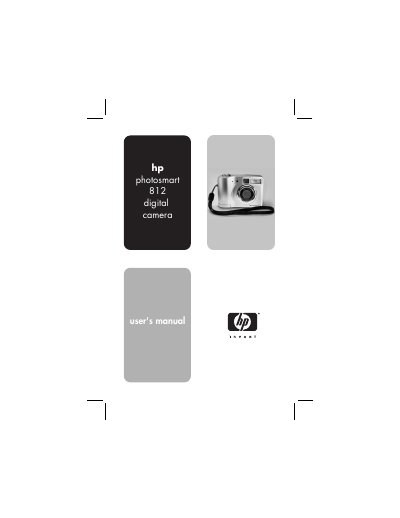
This manual covers everything you need to start using the HP Photosmart 812 digital camera, from installing batteries and memory cards to configuring settings and connecting to other devices. It also explains HP Instant Share features for printing or emailing photos directly from the camera.
Detailed sections include camera parts identification, step‑by‑step guides for taking still pictures, video clips, and using Live View, as well as troubleshooting tips and warranty information. This manual is written in Chinese.
| Sensor | 3.92 MP effective pixel, 1/1.8‑inch CCD |
|---|---|
| Color depth | 30‑bit (10 bits × 3 colors) |
| Resolution | 3.92 MP (2280 × 1720 effective) |
| Memory type | One SD card slot |
| Memory capacity | 16 MB card included |
Open the battery compartment and insert AA batteries as described in the “Installing the batteries” section.
Use the HP Instant Share menu to select images and then choose to print or e‑mail them directly from the camera.
Connect an optional TV cable to the USB/TV connector on the camera, then attach the other end to the TV.
Select “Choosing the language” from the Setup menu and pick the desired language.