
This manual describes how to use the HP PhotoSmart 620 series digital camera.
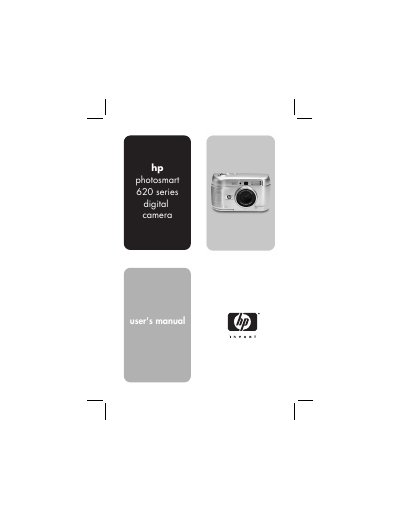
This guide introduces the HP Photosmart 620 digital camera, a 2.1 MP camera with 3× optical and 4× digital zoom. It walks users through getting started, inserting batteries and memory cards, and configuring basic settings such as language, date, and time.
The manual covers taking still pictures and video clips, using focus lock, self‑timer, flash, and zoom functions, as well as playback, image management, HP Instant Share, and connecting the camera to a computer or TV via USB or the optional Camera Dock. Troubleshooting tips, error messages, and support contact information are also provided.
| Sensor resolution | 2.1 MP |
|---|---|
| Optical zoom | 3× |
| Digital zoom | 4× |
| Internal memory | 8 MB flash |
| Memory card type | Secure Digital (SD) up to 128 MB |
| Lens focal length | 5.4 mm (wide) – 16.2 mm (telephoto) |
| Aperture (f‑number) | f/2.8‑f/5.6 (wide) – f/4.4‑f/8.6 (telephoto) |
| Color depth | 30 bits (10 bits × 3 colors) |
Open the battery door, place the AA batteries in the compartment as shown, and close the door.
Connect the camera to the computer with the USB cable or use the optional HP Camera Dock to download images.
The maximum recording time for a video clip is 19 seconds.