
This document is the user manual for HP PhotoSmart 730 series digital camera, which introduces the camera's parts, use methods and settings methods.
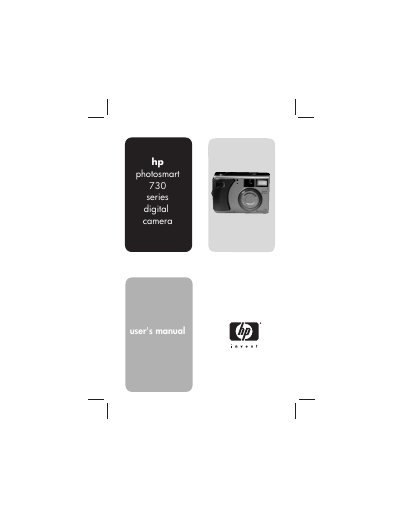
This manual covers everything you need to start using the HP Photosmart 730 Series camera, from installing batteries and a memory card to configuring language, date, and time settings. It also explains how to capture still photos, video clips, and audio, and how to use advanced features such as macro mode, white balance, and exposure compensation.
Later sections describe how to review and edit images on the camera, share them via HP Instant Share, unload them to a computer or printer, and troubleshoot common problems. Appendices list detailed specifications and accessories.
| Still picture resolution | 3.34 MP (2140 × 1560) |
|---|---|
| Video resolution | 320 × 240 |
| Sensor size | 6.67 mm (1/2.7‑inch, 4:3 format) |
| Color depth | 30‑bit (10 bits per color) |
| Internal flash memory | 16 MB |
| Supported memory cards | Secure Digital (SD) or MultiMediaCard (MMC) |
| Lens focal length | 5.8 mm – 17.4 mm (wide to telephoto) |
| Aperture (F‑number) | f/2.6‑f/4.9 (wide) / f/5.0‑f/9.0 (telephoto) |
| ISO speed settings | Auto, 100, 200, 400 |
Open the battery compartment, insert the NiMH batteries as shown in the manual, and close the compartment.
Use the USB connection to unload images to a computer via the “Unloading to a computer” procedure described in the manual.
Press OK to display the Format Card screen, then select the Format Card option in the Delete menu to format the card.
Select the Share menu, choose a destination, and follow the prompts to email or print the images directly from the camera.