
This document is the table of contents of the Intel® Reader User Manual, which includes setting up the reader, understanding the reader's parts, using the reader menus, capturing and playing files, and managing files on the reader.
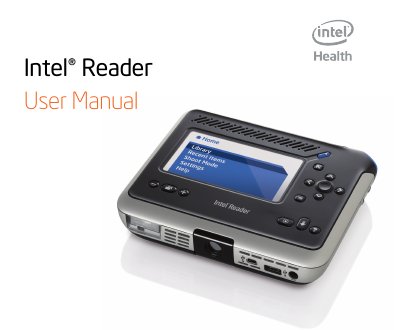
This manual explains how to set up the Intel Reader, including battery installation, charging, and basic handling. It describes each part of the device, the menu system, and how to capture, view, and play back text and audio files.
Additional sections cover file organization, customization of settings, connectivity with external devices such as a mouse, keyboard, or computer, and detailed technical specifications. The appendix also includes software update procedures, care and recycling information, and a FAQ for common issues. This manual is written in Chinese.
| Processor | Intel® Atom™ Processor (Z540) |
|---|---|
| Memory | 512 MB DDR2 |
| Camera | 5 MP auto‑focus |
| Storage | 4 GB Intel Z‑P140 SSD (≈2 GB user‑available) |
| Dimensions (W × H × D) | 16.5 cm × 13.6 cm × 3.3 cm (with battery) |
| Weight | 0.626 kg (1.38 lb) with battery |
| Battery Capacity | 7.4 V / 3300 mAh |
| Operating Time (audio playback) | Over 4 hours of text‑to‑speech or MP3 audio |
A fully charged battery provides more than four hours of text‑to‑speech or MP3 audio playback and can capture and process over 85 images of text.