
SoMo™ 650 Durable, business-class handheld computer
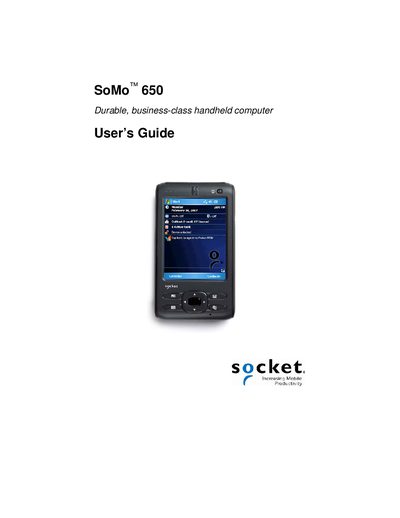
The SoMo 650 is a durable, business‑class handheld computer designed for mobile data‑capture applications such as sales, inventory, and patient care. It features Bluetooth® and Wi‑Fi® connectivity and can be customized with accessories like keyboards, power packs, and cradle units.
This manual covers safety guidelines, unpacking, battery installation and charging, software setup, Wi‑Fi configuration, barcode scanning with SocketScan, and troubleshooting. Appendices provide full specifications, reset procedures, firmware upgrade steps, and technical support information.
No – opening the device will void the warranty.
The package includes the SoMo 650 handheld, battery, stylus, USB synchronization cable, AC adapter, and for the 650‑M version a carrying case, cradle, Getting Started CD, and Quick Start Guide.
Only the supplied USB synchronization cable should be used for charging; other chargers or adapters may damage the device.