
This document provides the user's guide for Socket Bluetooth® Cordless Hand Scanner Series 7 and Series 7 Rx, including the features and characteristics of the products.
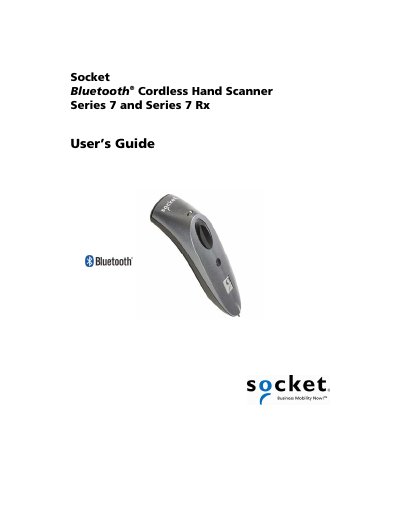
The Socket Mobile Series 7 and Series 7 Rx Bluetooth cordless hand scanners are compact, lightweight devices designed for high‑volume barcode data collection. They use Bluetooth wireless technology and are available with either laser or CMOS imaging engines depending on the model.
This guide covers hardware preparation, battery installation, charging, software installation for Windows, Windows Mobile, Palm OS, BlackBerry, Nokia, and other platforms, as well as detailed specifications, safety guidelines, barcode label requirements, troubleshooting steps, and regulatory compliance information.
| Dimensions (7E2/7M2) | 125 mm × 31 mm × 35 mm |
|---|---|
| Dimensions (7P/7X/7NRx/7XRx) | 137 mm × 31 mm × 37 mm |
| Total Mass | ≈ 90 g (0.2 lb) |
| Power Source | Two AAA NiMH rechargeable batteries (laser models) or one Li‑ion battery (7X/7XRx) |
| Operating Temperature | -4 °F to +140 °F (‑20 °C to +60 °C) |
| Laser Power (650 nm) | 0.7 mW (7E2/7NRx) / 1.7 mW (7M2/7P) |
| Laser Scan Angle | 46.5° |
| Scan Repetition Rate | 104 scans/sec (7E2/7NRx) typical |
| Optical Resolution | 0.004 in (0.102 mm) minimum barcode element width |