
This manual describes the function and use of the Digital On-Hold Audio System
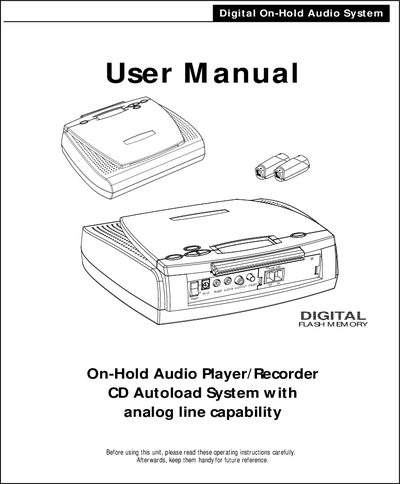
This manual covers the supplied accessories, player features, and step‑by‑step set‑up for both corded and cordless telephone extensions. It explains how to connect the unit to analog phone lines, adjust volume, and use the LCD control panel.
Operation instructions include recording single‑track or multi‑track CDs, playback, memory expansion, and optional functions such as remote trigger and AUX input. A troubleshooting guide helps resolve common hold‑music issues.
| Standard flash memory | 8 minutes |
|---|---|
| Maximum flash memory (expandable) | 32 minutes |
| Memory expansion slots | 3 |
| LCD display information | Shows program length and remaining time |
Press any key on the telephone’s dial pad to stop the hold‑music playback.