
This manual explains how to operate your VIP 3000 image scaler. The VIP 3000 is designed to provide users with a powerful and flexible method of driving large display devices. If you have any queries relating to this or any other product supplier, please contact us.
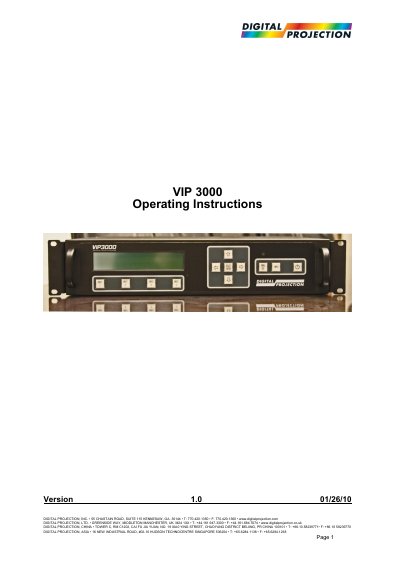
The VIP 3000 is a flexible image scaler designed to drive large display devices from video or graphics sources. It features state-of-the-art digital image processing, including motion-adaptive de-interlacing and noise reduction, and supports multiple input formats such as HDMI, DVI, SDI, and analog video. The unit also functions as a video and audio router with support for HDCP encryption and Genlock synchronization.
| Product Type | Image Scaler |
|---|---|
| Input Support | HDMI, analog, digital, optical audio, SDI/HD-SDI |
| Output Formats | VGA analog and DVI digital |
| Image Processing | Motion-adaptive de-interlacing, film pull-down correction |
It provides users with a powerful and flexible method of driving large display devices.
System control is via a front-panel LCD menu or through a Windows application connected via RS232 or TCP/IP.