
This document is the user manual for the Smartparts SP-DPF84 digital picture frame. It describes the features and functions of the digital picture frame, as well as provides usage and setup instructions.
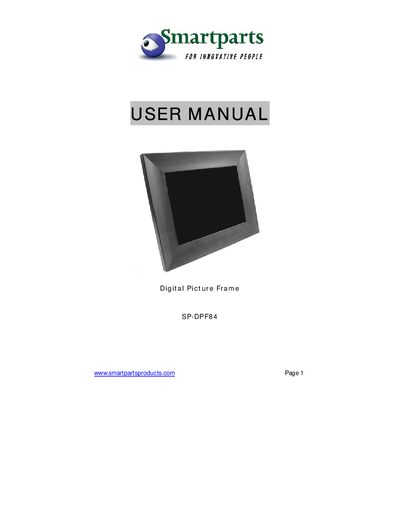
The SP-DPF84 Digital Picture Frame lets you view JPEG photos and play MP3 music from various memory cards. It includes a remote control and a built‑in card reader, allowing you to display hundreds of pictures without a constant computer connection.
The manual covers unpacking, power connection, USB linking to a computer, formatting and adding pictures, slideshow settings, music playback, and warranty information. It also explains menu options such as photo settings, music mode, and system language.
| Screen resolution | 800 x 600 |
|---|---|
| Supported media files | JPEG photos, MP3 music |
| Memory card compatibility | CF, SD, Memory Stick, xD |
| USB interface | USB 2.0, Windows XP/2000 compatible |
| Power requirements | 120 VAC 60 Hz AC adapter |
| Maximum continuous operation | 10 hours |
Use the supplied USB cable; the frame appears as a disk drive and no software installation is required.
JPEG is the preferred format for pictures on the frame.
You can choose from 10 different transition modes.