
This document is a software manual for digital video recorders, describing the features and characteristics of the products of various models.
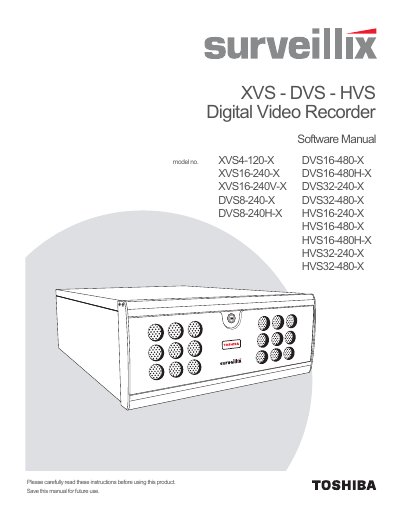
This document is the Software User Manual for the Toshiba Surveillix line of Digital Video Recorders (DVRs), including models such as XVS4-120-X, XVS16-240-X, DVS8-240-X, and HVS series. It covers the operation of the DVR utility software used to manage recording schedules, camera settings, user access, and system configurations.
The guide details procedures for setting up new cameras, configuring network connections (LAN/ISDN), managing storage via disk management tools, and utilizing advanced features like motion detection, PTZ control, and remote viewing. It also includes instructions for backing up video data using the included Backup Viewer software.
| Document Version | Version 4 |
|---|---|
| Edition Date | SEPTEMBER 2009 |
The manual indicates there is a specific default password for the administrator account, though the exact value is not explicitly stated in the provided text.
Yes, users can connect to a DVR using Web Viewer or Remote Software for remote viewing and configuration.