
This user guide describes the basic features and operations of the Avaya 1608 IP telephone. This guide is intended for use with Avaya Communication Manager or Avaya Distributed Office call processing systems.
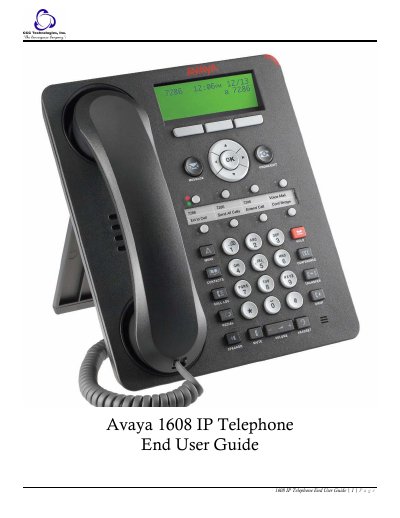
The Avaya 1608 IP telephone is a multiline IP phone designed for use with Avaya Communication Manager or Avaya Distributed Office systems. This guide describes the phone’s buttons, LEDs, icons, navigation controls, paper labels, and the advanced features that can be configured by a system administrator.
It also provides step‑by‑step procedures for answering, making, holding, transferring, and conferencing calls, as well as instructions for voicemail, call forwarding, directory access, and other telephone settings. The manual includes troubleshooting tips and a glossary of terms used throughout the guide. This manual is written in Chinese.
| Phone type | Multiline IP telephone |
|---|---|
| Maximum contacts | 100 names and telephone numbers |
| Conference call capacity | Up to 5 participants |
The phone can store up to 100 names and telephone numbers.
A conference call can include up to five people.
An illuminated red light in the upper‑right corner of the phone shows voicemail waiting.