
This manual introduces how to install and use Bosch Digital Video Recorder 440/480 series.
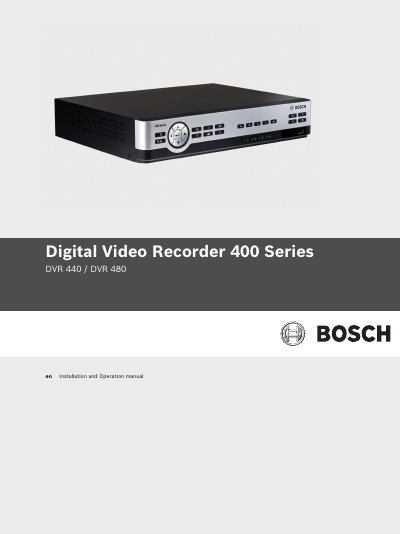
This manual covers the safe installation, wiring, and mounting of the Bosch 440/480 Series DVR, including safety precautions, power requirements, and environmental guidelines. It also explains the basic operation of the recorder, front‑panel controls, menu navigation, and video playback features.
The document provides detailed hardware setup information such as camera, audio, monitor, RS‑232/RS‑485, Ethernet and USB connections, as well as configuration menus for recording schedules, motion detection, and network streaming. Technical specifications, dimensions, power ratings and recommended accessories are listed in the final sections.
| AC Input Voltage | 100‑240 VAC, 50/60 Hz, 1.8 A |
|---|---|
| DC Power Output | 12 VDC, 3 A |
| Internal Battery | Lithium CR2032, 3 V, 225 mAh |
| Dimensions (W×D×H) | 225 mm × 325 mm × 60 mm |
| Maximum Fuse Rating | 16 A |
The DVR must be protected by a fuse rated no higher than 16 A.
It accepts an AC input of 100‑240 VAC at 50/60 Hz, drawing up to 1.8 A.
The unit supports one SATA hard drive.