
M393B5773CH0 M393B5273CH0 is a memory stick produced by Samsung Electronics. The memory stick uses 2Gb C-die 78FBGA packaging and works with a voltage of 1.35V, which can meet the requirements of low-power memory.
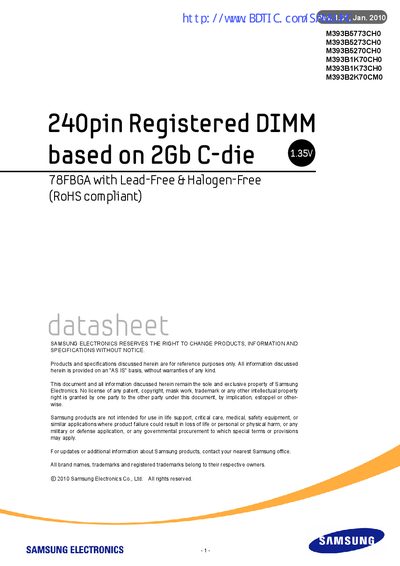
This handbook provides detailed technical information for the Samsung M393B5773CH0 DDR3L Registered DIMM. It includes ordering data, key features, electrical characteristics, pin configurations, thermal sensor details, and mechanical dimensions.
The document is organized into sections such as Ordering Information, Key Features, Address Configuration, Pin Descriptions, Thermal Sensor specifications, and AC/DC operating conditions, allowing designers and system integrators to quickly locate the data they need.
| Form factor | 240‑pin Registered DIMM |
|---|---|
| Die technology | 2 Gb C‑die |
| Package | 78 FBGA, lead‑free & halogen‑free (RoHS compliant) |
| Supported speeds | DDR3‑800, DDR3‑1066, DDR3‑1333 |
| Clock period (tCK min) | 2.5 ns (800 MT/s), 1.875 ns (1066 MT/s), 1.5 ns (1333 MT/s) |
| Operating voltage | 1.35 V (1.28‑1.45 V) & 1.5 V (1.425‑1.575 V) |
The 2 GB module part number is M393B5773CH0‑YF8/H9.
It supports DDR3‑800, DDR3‑1066, and DDR3‑1333 speeds.
The DDR3L SDRAM operates at 1.35 V (1.28‑1.45 V) or 1.5 V (1.425‑1.575 V).