
This manual provides installation and operation instructions for the IP Camera 200 Series NDC-265-P.
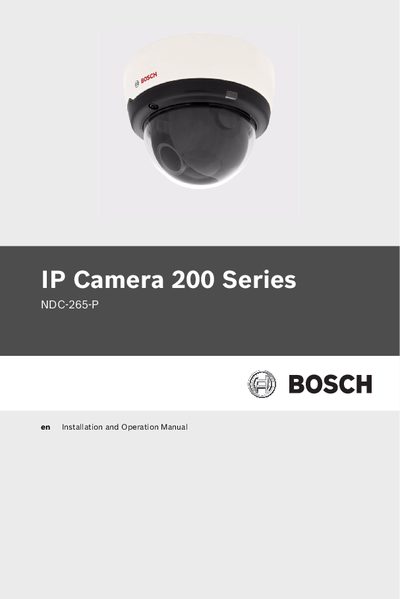
This manual provides step‑by‑step instructions for safely installing and configuring the Bosch NDC‑265‑P IP Camera. It includes safety precautions, unpacking, mounting, power and network connections, and camera positioning.
The guide also details browser‑based configuration, recording settings, alarm integration, troubleshooting, and technical specifications, helping installers and users get the camera up and running quickly and maintain it over its service life.
The manual uses three safety symbols: DANGER!, WARNING! and CAUTION! to indicate high, medium and low risk situations.
Clean the unit with a dry cloth or a moist, fluff‑free cloth; do not use liquid or aerosol cleaners.
No, the unit must not be installed near radiators, heaters, stoves or any equipment that produces heat.
Operate the unit only from the type of power source indicated on the label.